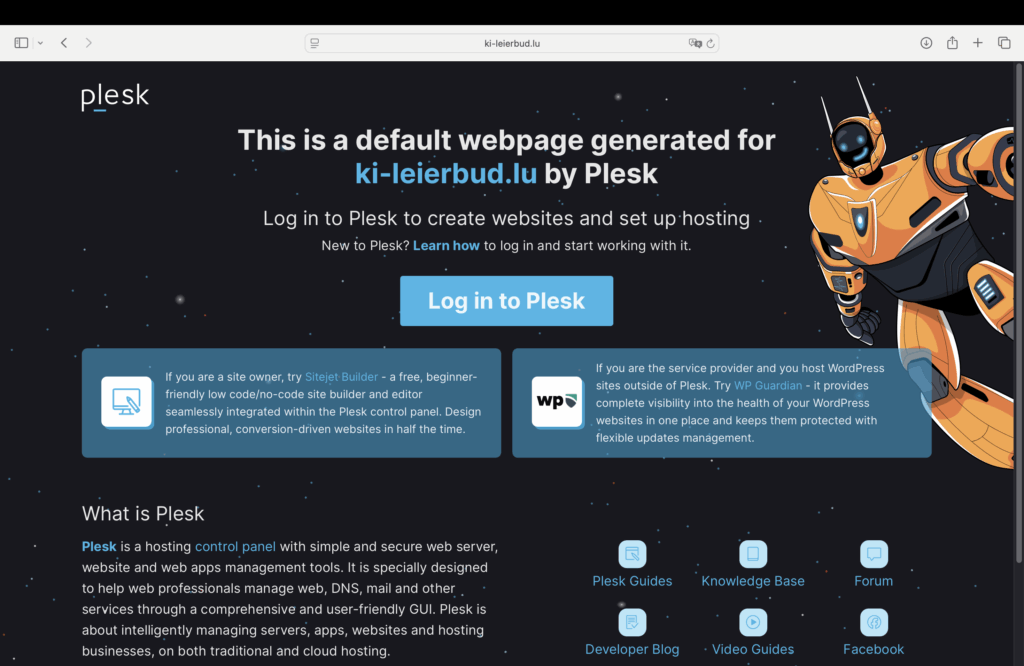
This was the default home-page of ki-leierbud.lu in the new Almalinux 9.6 Server hosted by Visual Online.
Here are the related
- DNS settings – v4: 85.93.210.152 / v6: 2001:1610:0:9::152
- Frontend : www.ki-leierbud.lu / ki-leierbud.lu >>> /var/www/vhosts/ki-leierbud.lu
- WordPress : admin.ki-leierbud.lu >>> /var/www/vhosts/ki-leierbud.lu/admin.ki-leierbud.lu
- Plesk Panel : https://plesk06.vo.lu:8443/ >>> login : username – password
- FTP Server : plesk06.vo.lu >>> Filezilla :
- Plesk Version :
- WordPress Version : 6.8.1
- PHP version : 8.3.21
To replace the default home-page by a custom webpage I used the recommended website builder Sitejet :
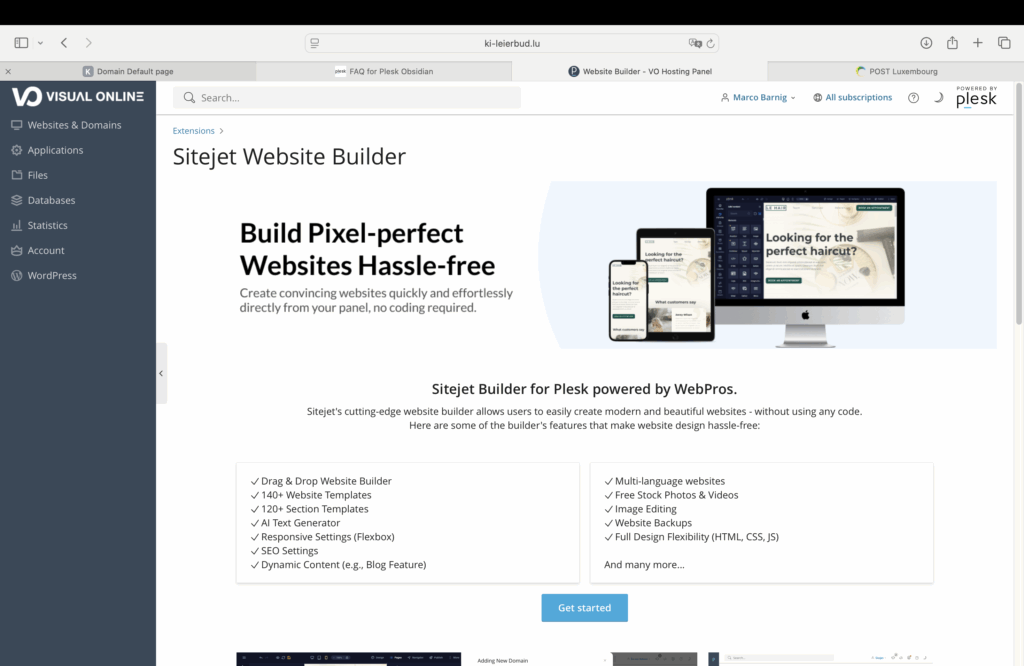
I selected the Academix theme template to start with a first trial :

First Attempt – Upload Fails Due to File Size
The initial attempt to upload the image above failed because the file size exceeded 2 MB.
The PHP settings in Plesk were already configured to allow up to 64 MB, but WordPress still enforced a 2 MB upload limit.
ChatGPT pointed out that in such cases, a .user.ini file is required in the root directory of the WordPress installation to override the default behavior — especially when PHP is running in FPM (FastCGI Process Manager) mode, which is common in Plesk environments.
Using the “+” button in the File Manager, I created a new .user.ini file and added the following content:
upload_max_filesize = 64M
post_max_size = 64M
max_execution_time = 300
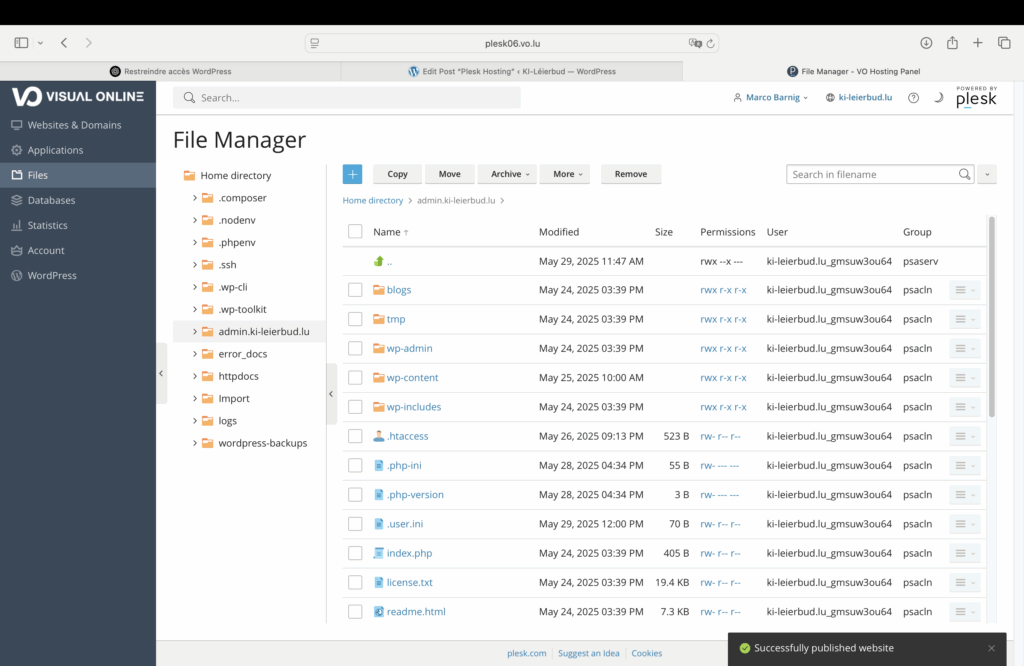
Customized Home Page
To install a customized minimal web Homepage allowing to test the correct working of the WordPress REST API, I removed all the files in the “home directory > httpdocs” folder, except the index.html file. I replaced the content of this file with the following code :
<!DOCTYPE html>
<html lang="en">
<head>
  <meta charset="UTF-8" />
  <meta name="viewport" content="width=device-width, initial-scale=1.0" />
  <title>KI-Léierbud</title>
  <style>
    body {
      font-family: sans-serif;
      padding: 40px;
      background-color: #fdfdfd;
      line-height: 1.6;
    }

    h1, h2, p {
      margin-bottom: 1em;
    }

    a {
      color: #0055cc;
      text-decoration: none;
    }

    a:hover {
      text-decoration: underline;
    }
  </style>
</head>
<body>
  <h1>Welcome to My New Site KI-Léierbud!</h1>
  <h2>Test the WordPress REST API</h2>
  <p><a href="https://admin.ki-leierbud.lu/archives/244">Table of Content</a></p>
</body>
</html>
Here is the result :
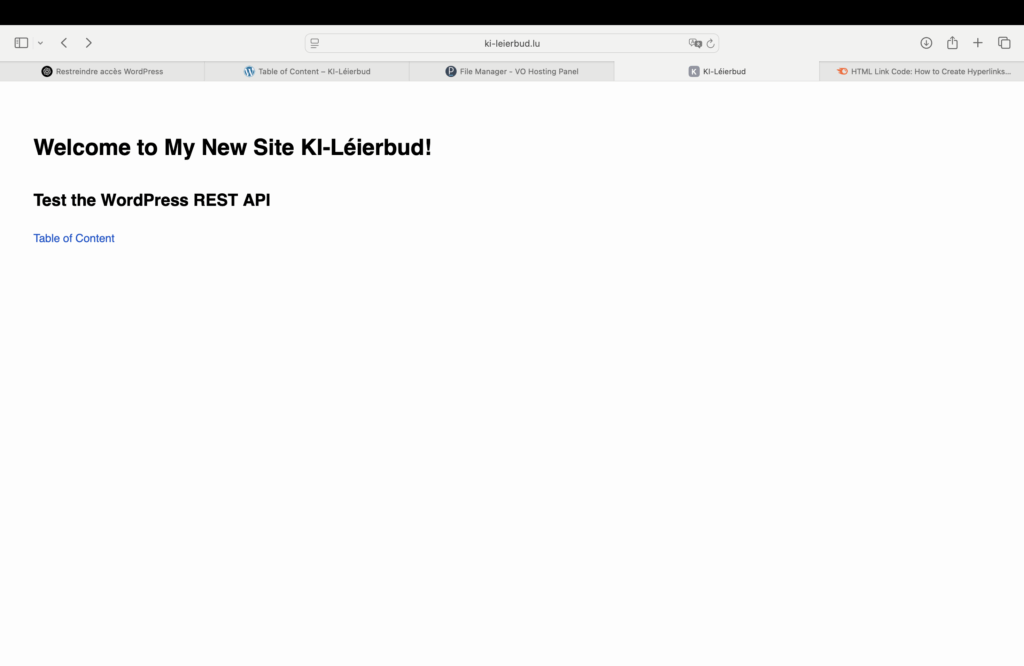
The WordPress REST API is working as expected. Now it’s time to create a well designed Home-Page.