The Plesk Server has an integrated NodeJS development environment. After several months of programming NodeJS apps, with and without the help of AI, I recommend to code, test, run and build NodeJS apps with your own desktop computer, or with your laptop, and to deploy the final code of an app in a specific sub-domain folder in the Plesk dashboard.
As a development environment, I got the best experience with Linux-Ubuntu or MAC OSX operating systems.
AI-Agent-Cafe
As an first example, I refer to the project AI-Agent-Cafe, created and published on GitHub by Oliver Koos, a friend of Misch Strotz.
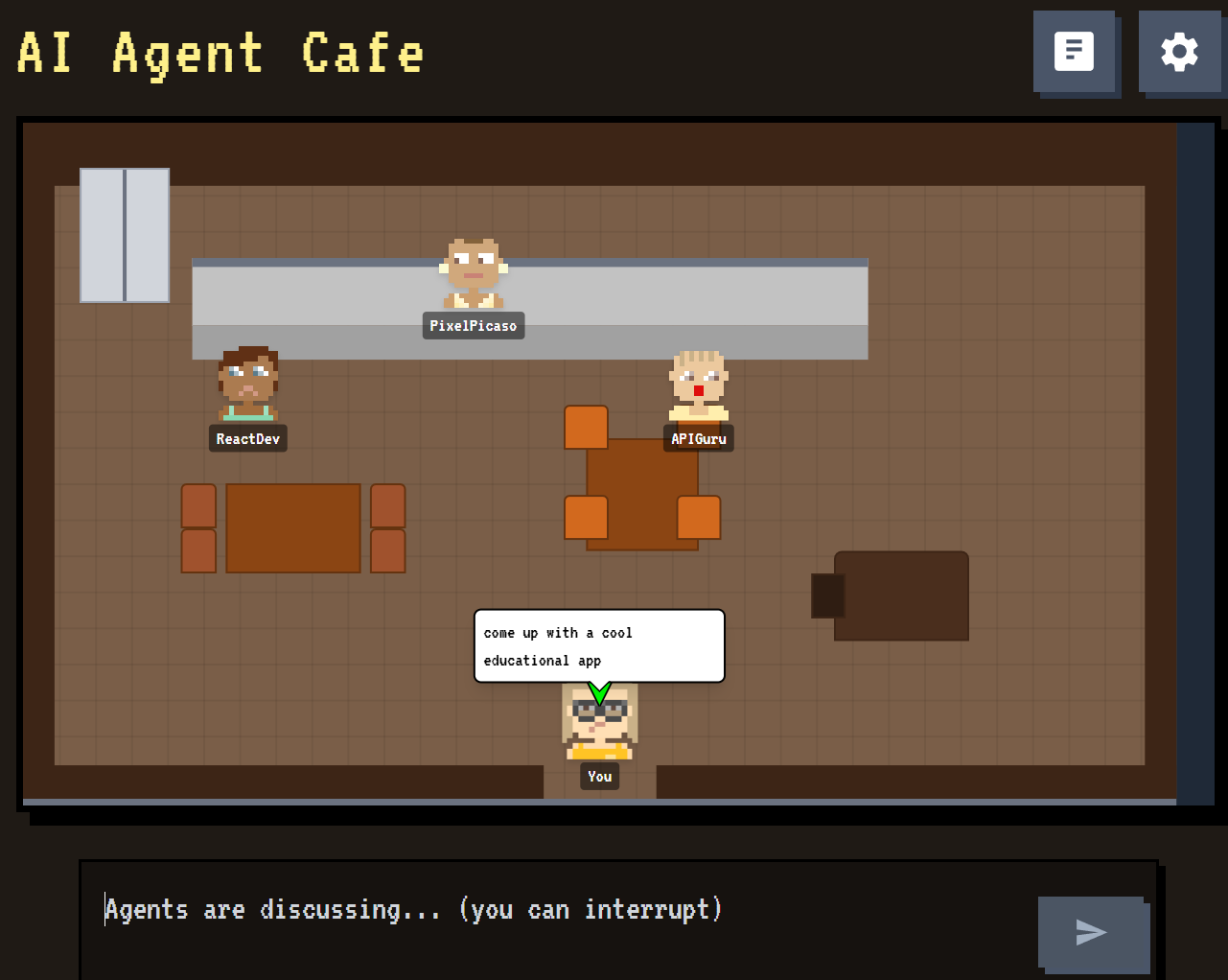
To build this app on my Ubuntu Desktop computer with NodeJS installed, I used the following commands in a folder called NPM :
cd NPM
git clone https://github.com/koosoli/AI-Agent-Cafe.git
cd AI-Agent-Cafe
npm install
In the next step I added an .env file with a Google Gemini API KEY to the app files and continued with the command :
npm run devThe following screenshot shows the logs of the installation and development process :
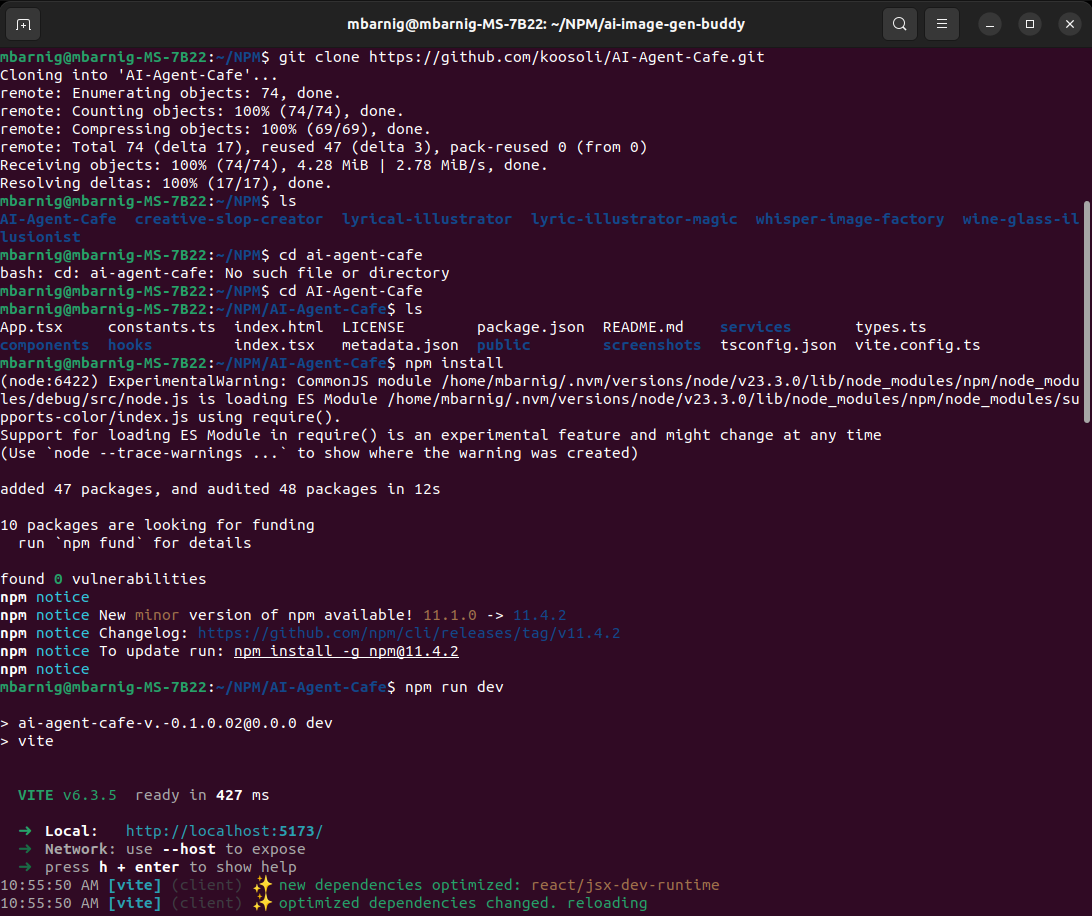
Now I was able to run the app succesfully in my browser with http://localhost:5173.
To build the app I stopped the local server and executed the command :
npm run buildThe build process is shown in the following screenshot :
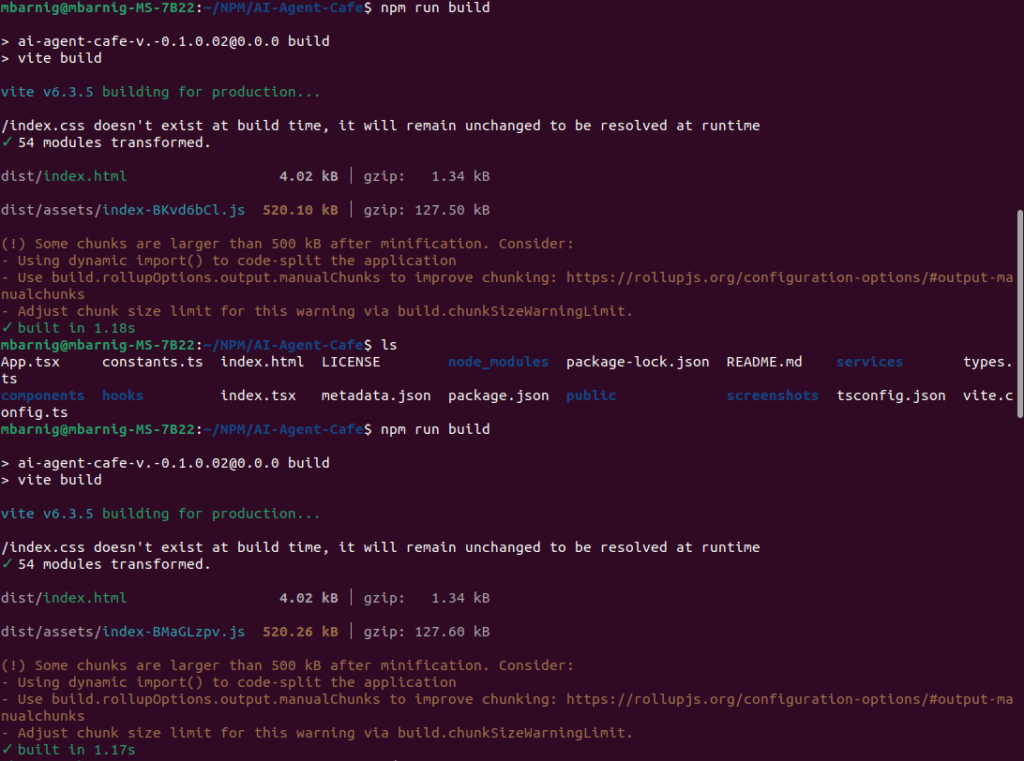
The result of the build process was the generation of a new folder /dist with the following content :
index.html
assets/
   index-BMa-GLzpv.js
soundfiles/
   chat.mp3
   walking.mp3
   music/
      Menu.mp3
      Pixel-Quest.mp3
The last step was the deployment of these files in the Plesk Dashboard in a subdomain folder. In the past I used the subdomains app1.ki-leierbud.lu and app2.ki-leierbud.lu already for other tests. The next free subdomain was app3.ki-leierbud.lu. With the Plus-Button in the Plesk File Manager it was very easy to upload the two folders and the index.html file. The following figure shows the environment :
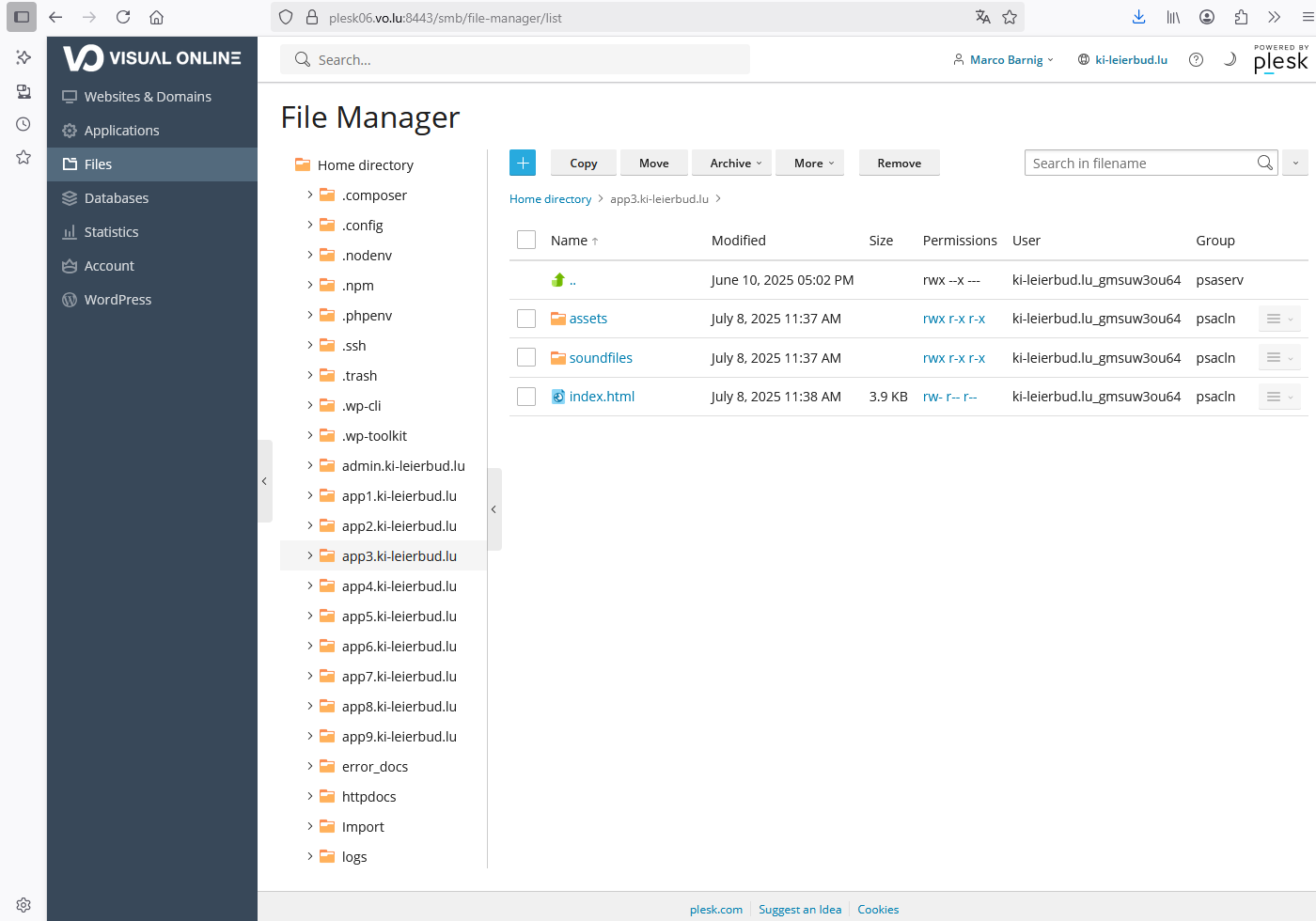
Now you can visit https://app3.ki-leierbud.lu.
AI Image Generator
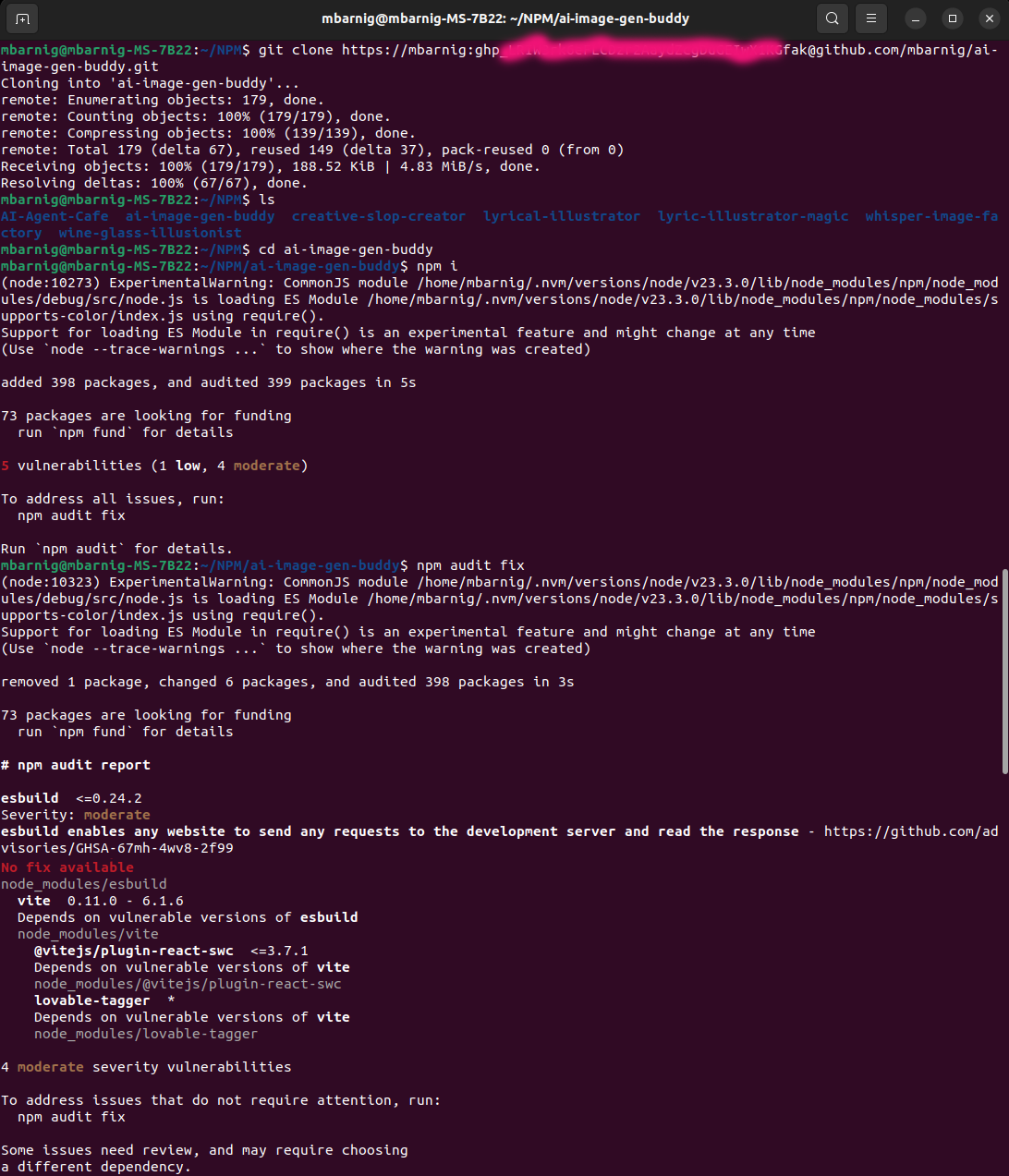
As a second example I used my “Hands On” app “AI Image Generator” available on HuggingFace. With the assistance of Lovable I created a NodeJS app to fetch the image stream with The HuggingFace space API. The app is named ai-image-gen-buddy and automatically synchronized with a private repository in my GitHub account. Because of the privacy I must clone the repository by including my related password in the git clone command.
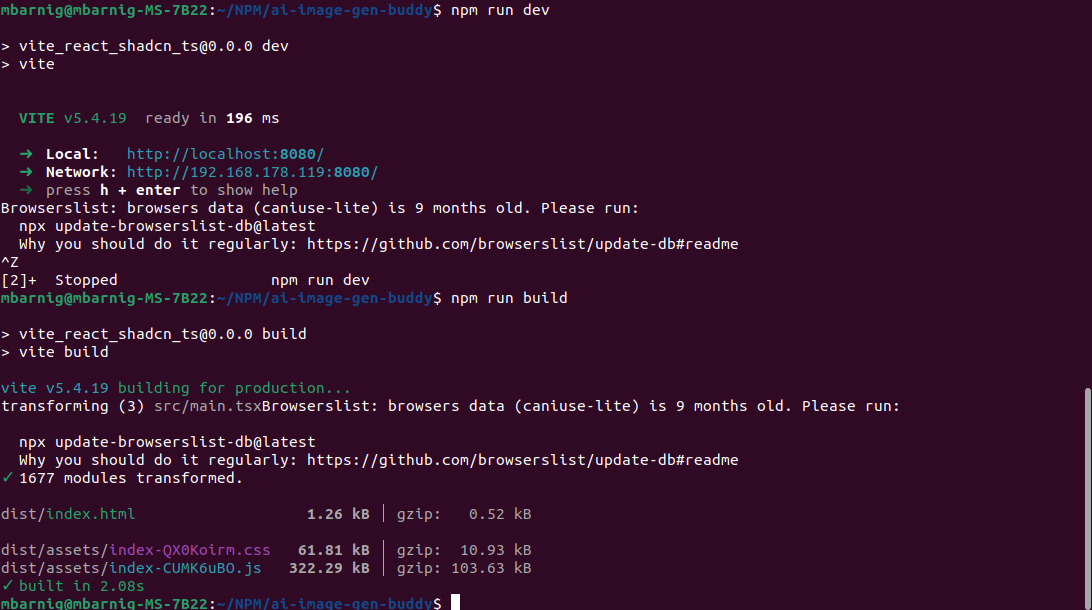
The next steps are the same as described for the AI-Agent-Cafe. For this reason I will only show the related screenshots in the next figures :
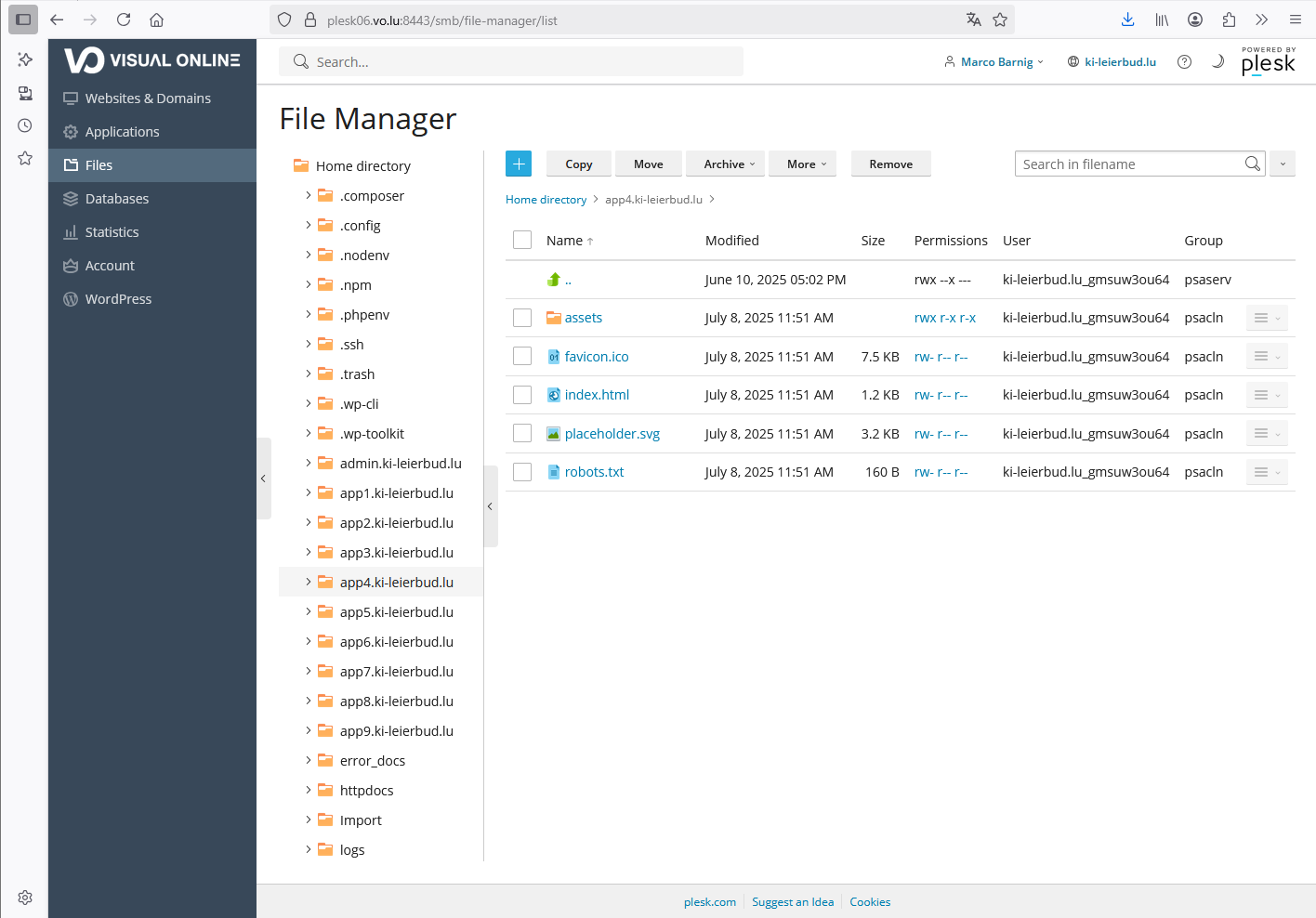
There are two files in the assets folder : a Javascript file and a CSS file.
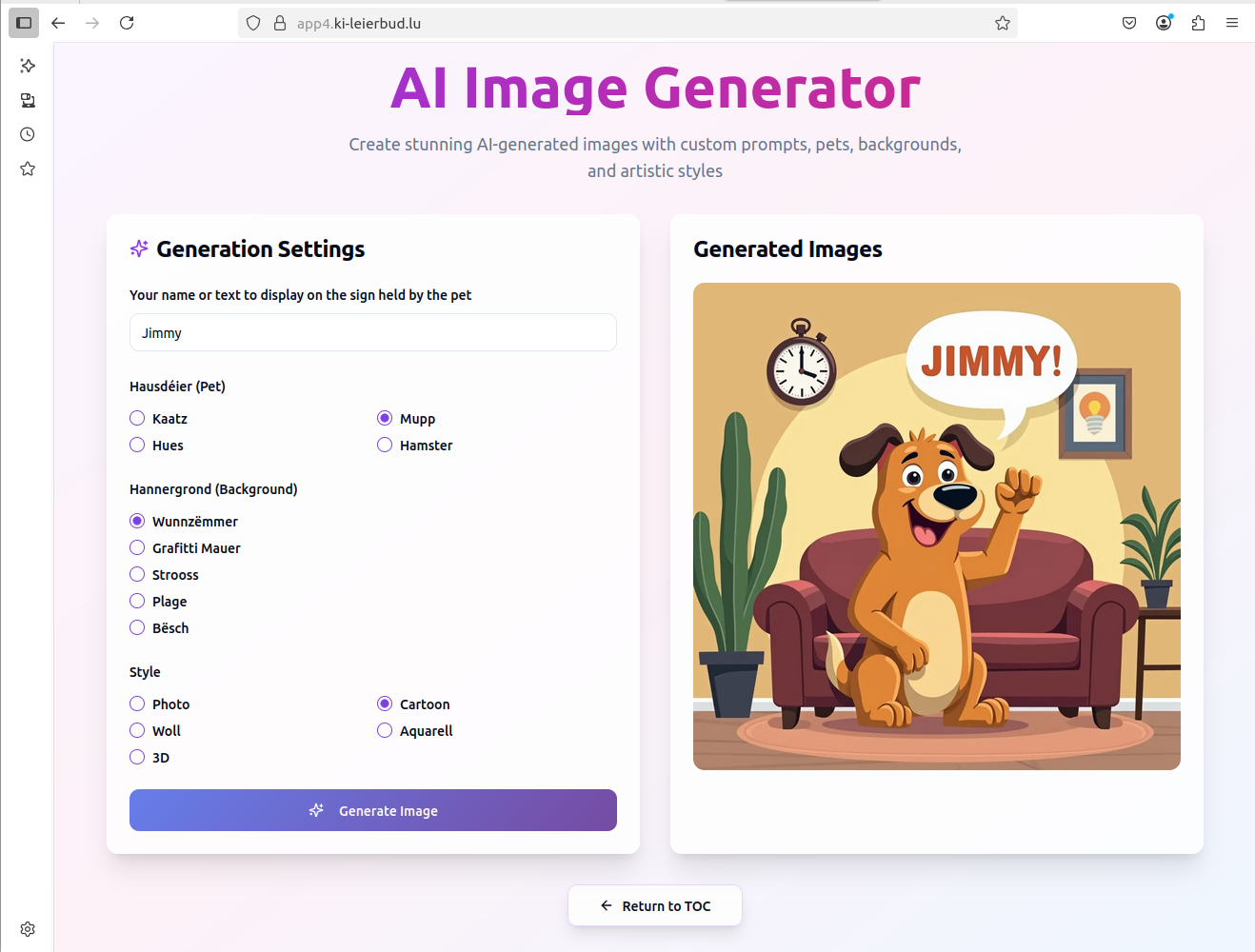
Here is the result when visiting the URL https://app4.ki-leierbud.lu.
AI Assistance to develop NodeJS apps
On the next pages you will find some examples of (old) chats with Lovable to create NodeJS apps :
- Development of the React/NextJS KI-Léierbud embryo (24.5.2025)
- Tag-it-Gallery (26.5.2025)
- Image Classification with Lovable (31.5.2025)